TABLE OF CONTENTS
Please follow the steps below to install VRFM, Vision’s Managed Print Solution.
You will need the License code (Provided by Vision) prior installing the software. It is best to install on a computer that is always on. If this is not possible, any PC on the same network as the printer will be sufficient
1. Download the software by clicking on the link below
Go to download folder and double click on the file
Click on run or open
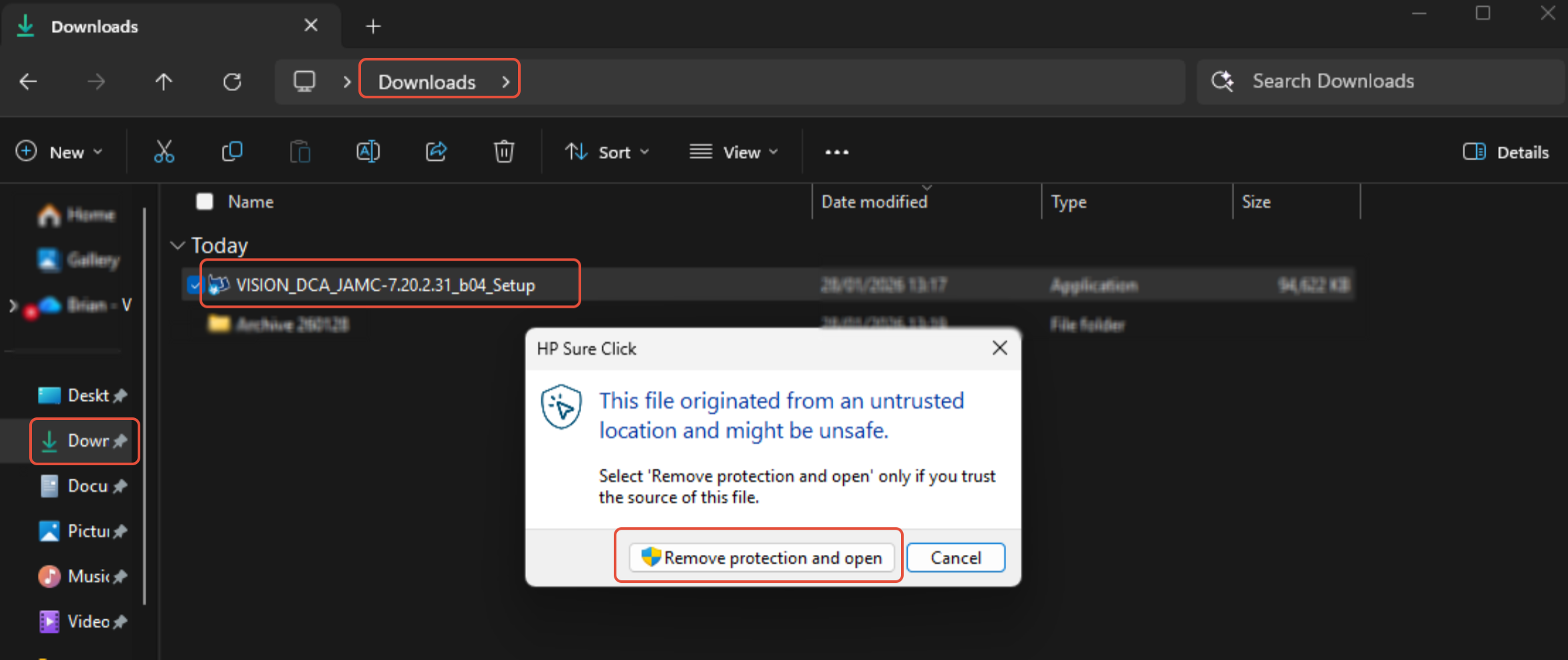
2. Click on OK and accept changes to be made on this computer message
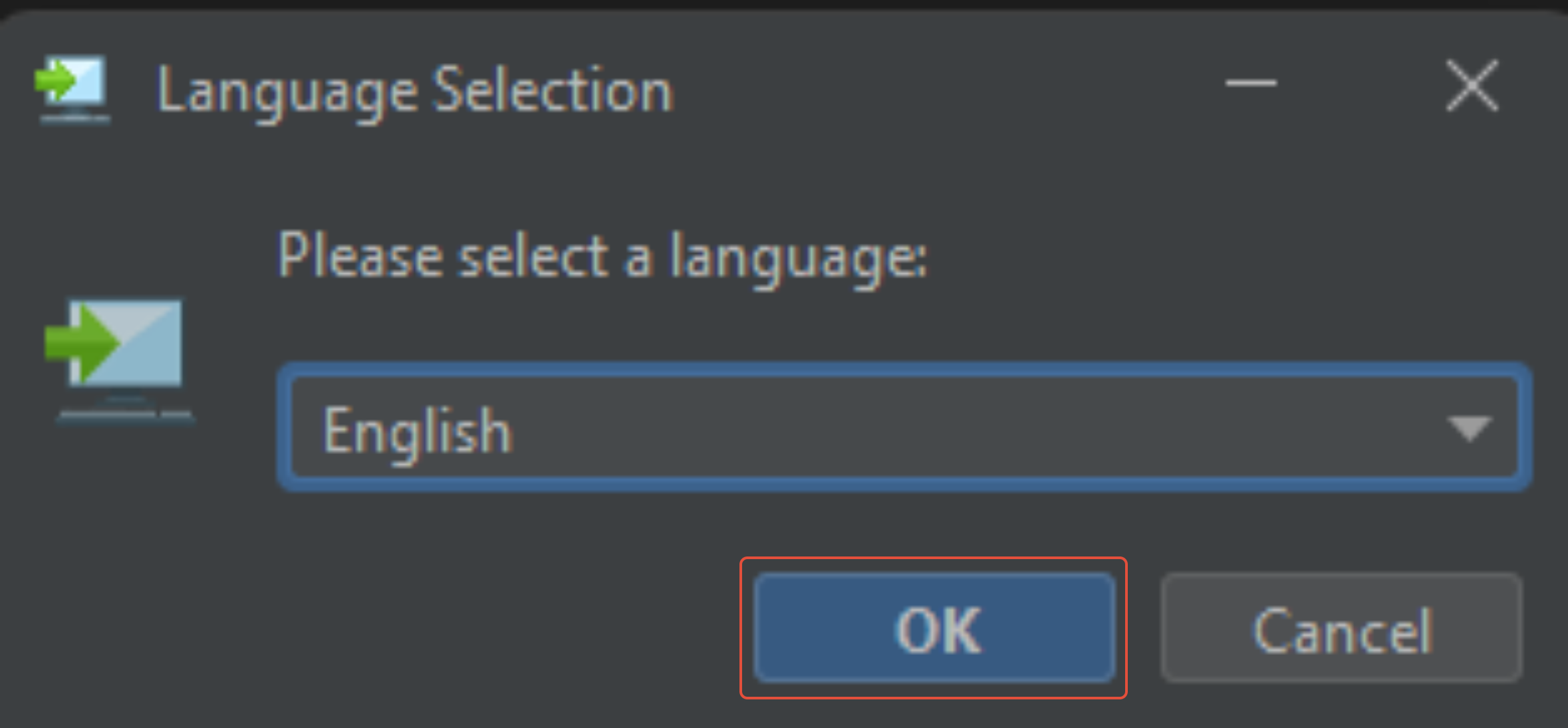
3. Click on Next
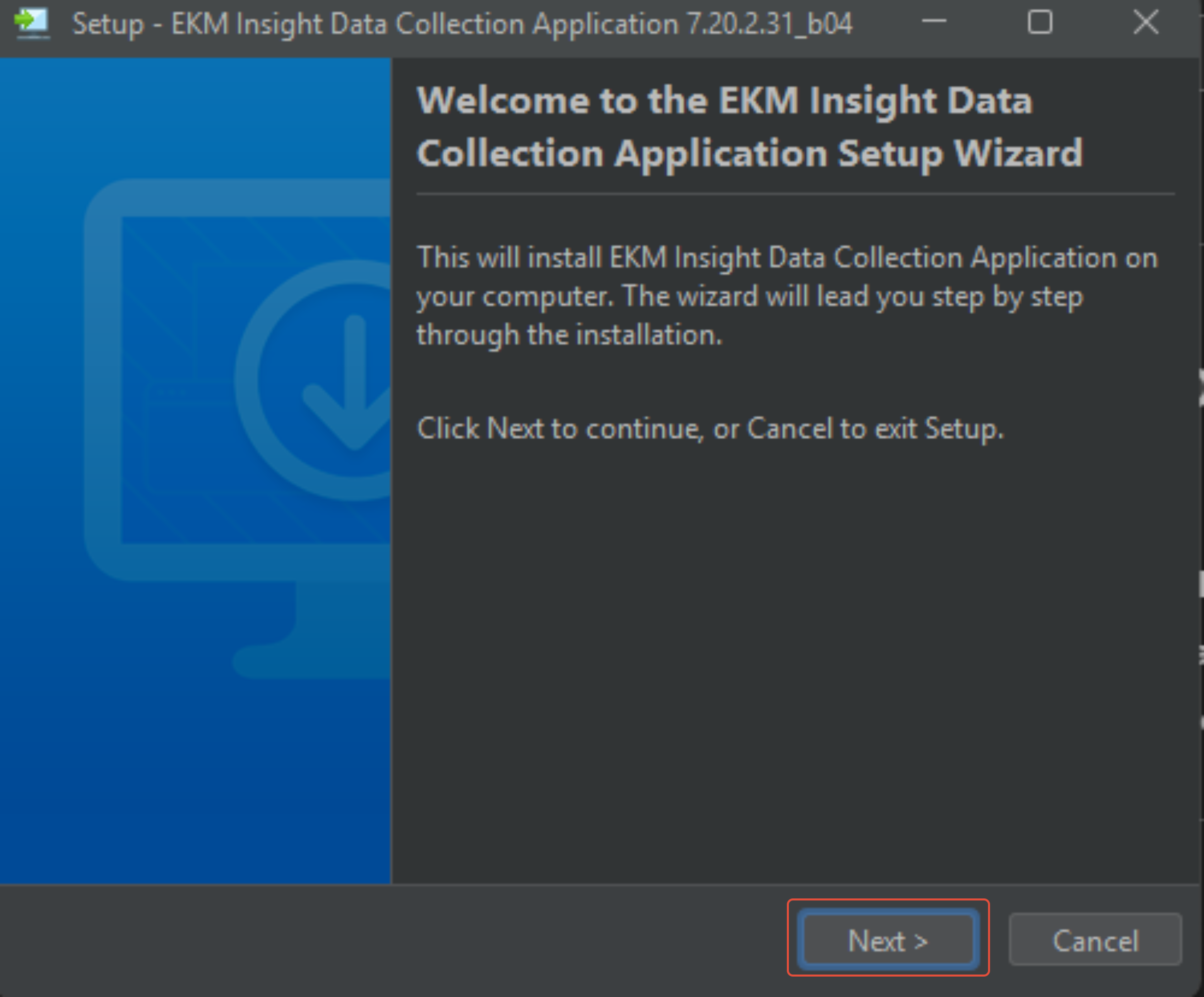
4. Select I accept the agreement
Click on Next
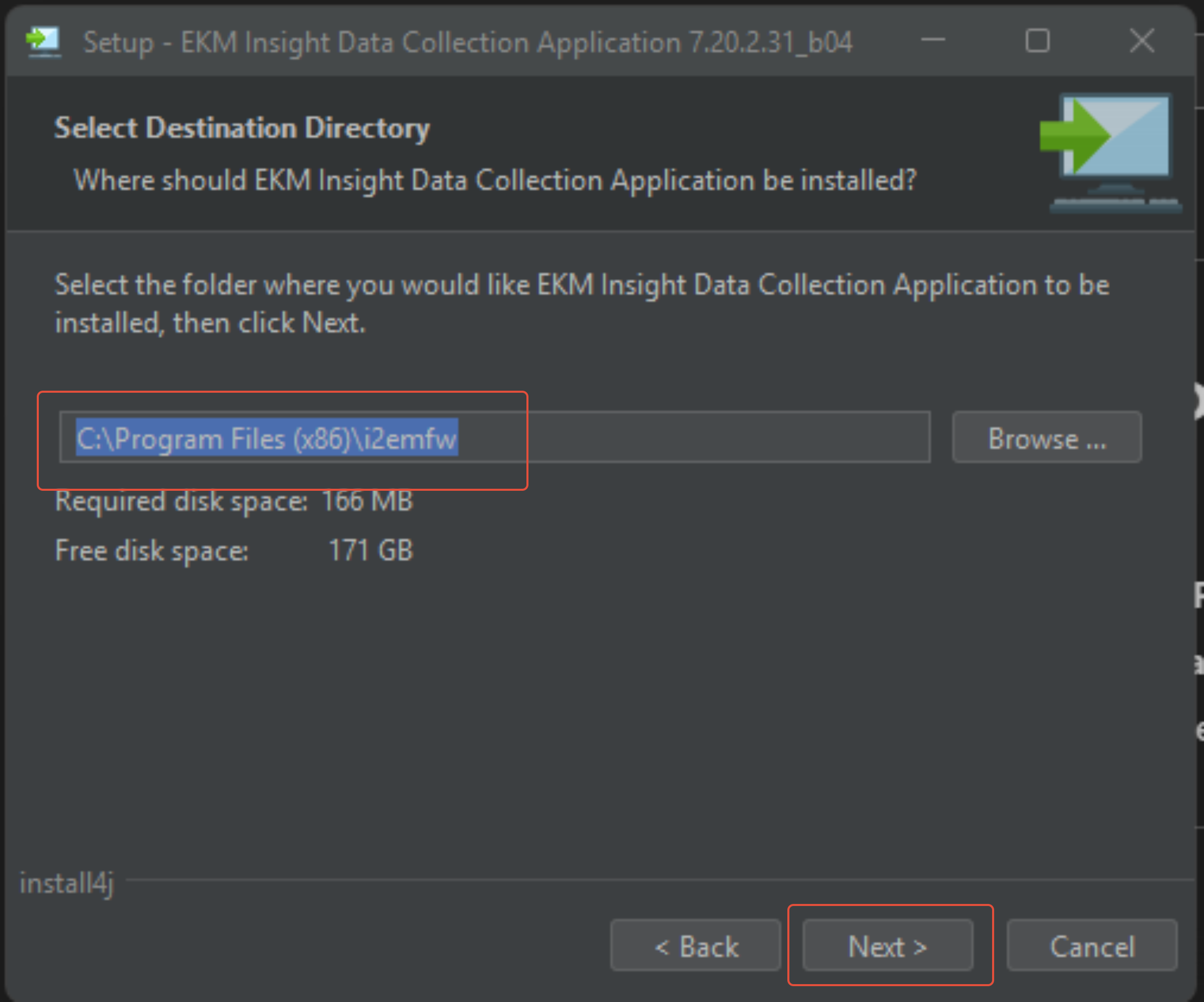
5. Leave location as default
Click on Next
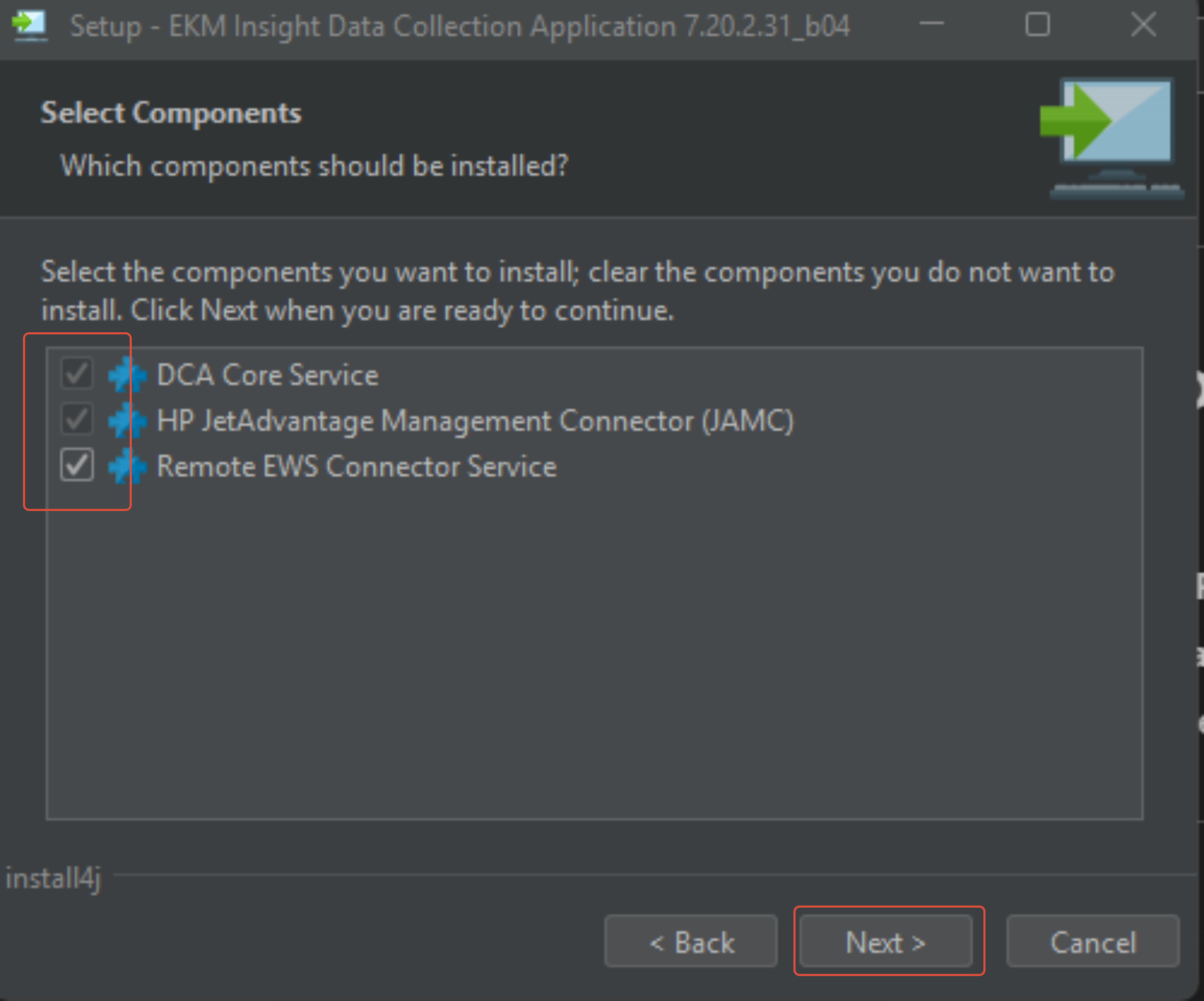
6. Leave all ticked
Click on Next
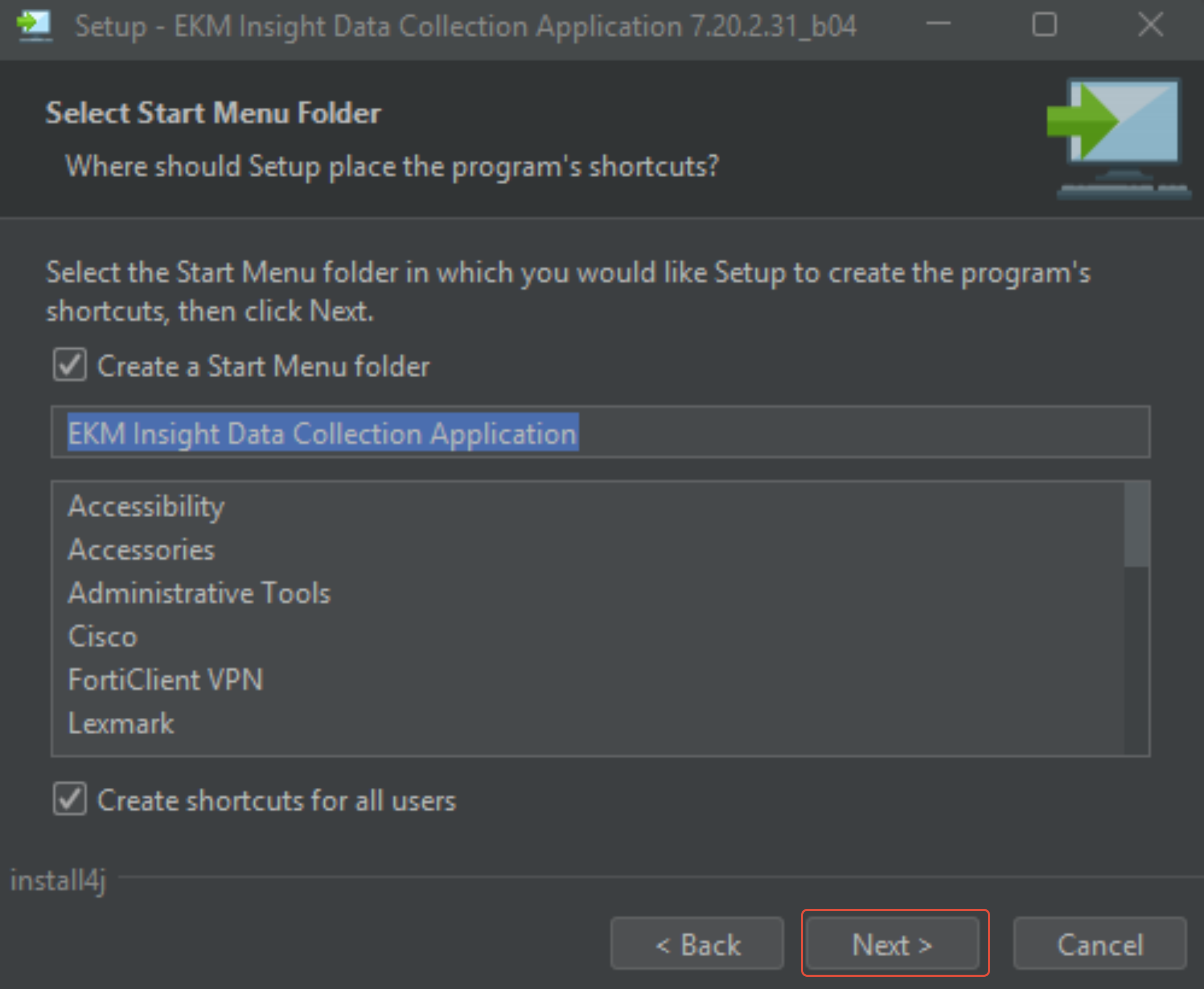
7. Leave as Default
Click on Next
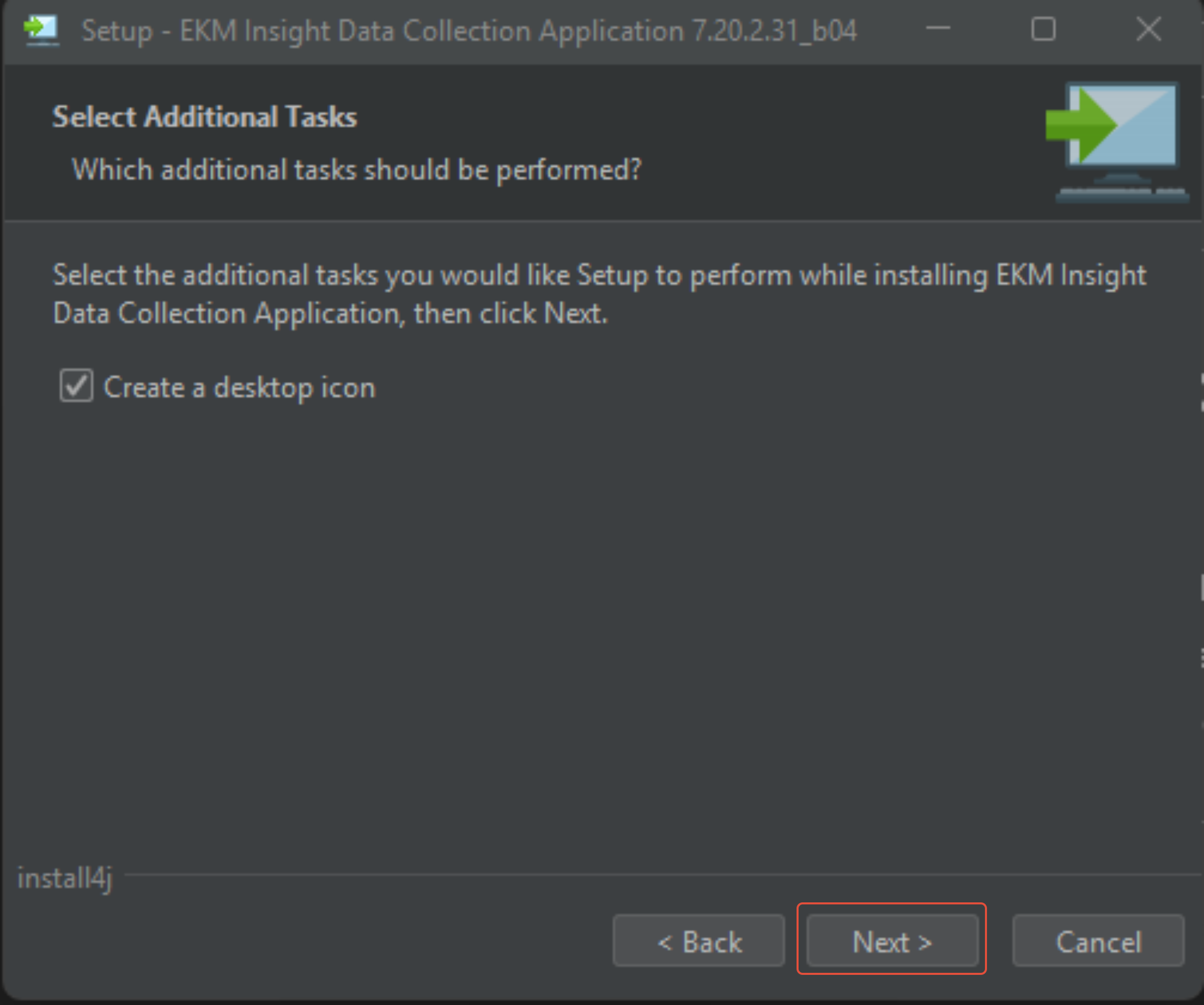
8. Click on Next (This could take 2-5 minutes)
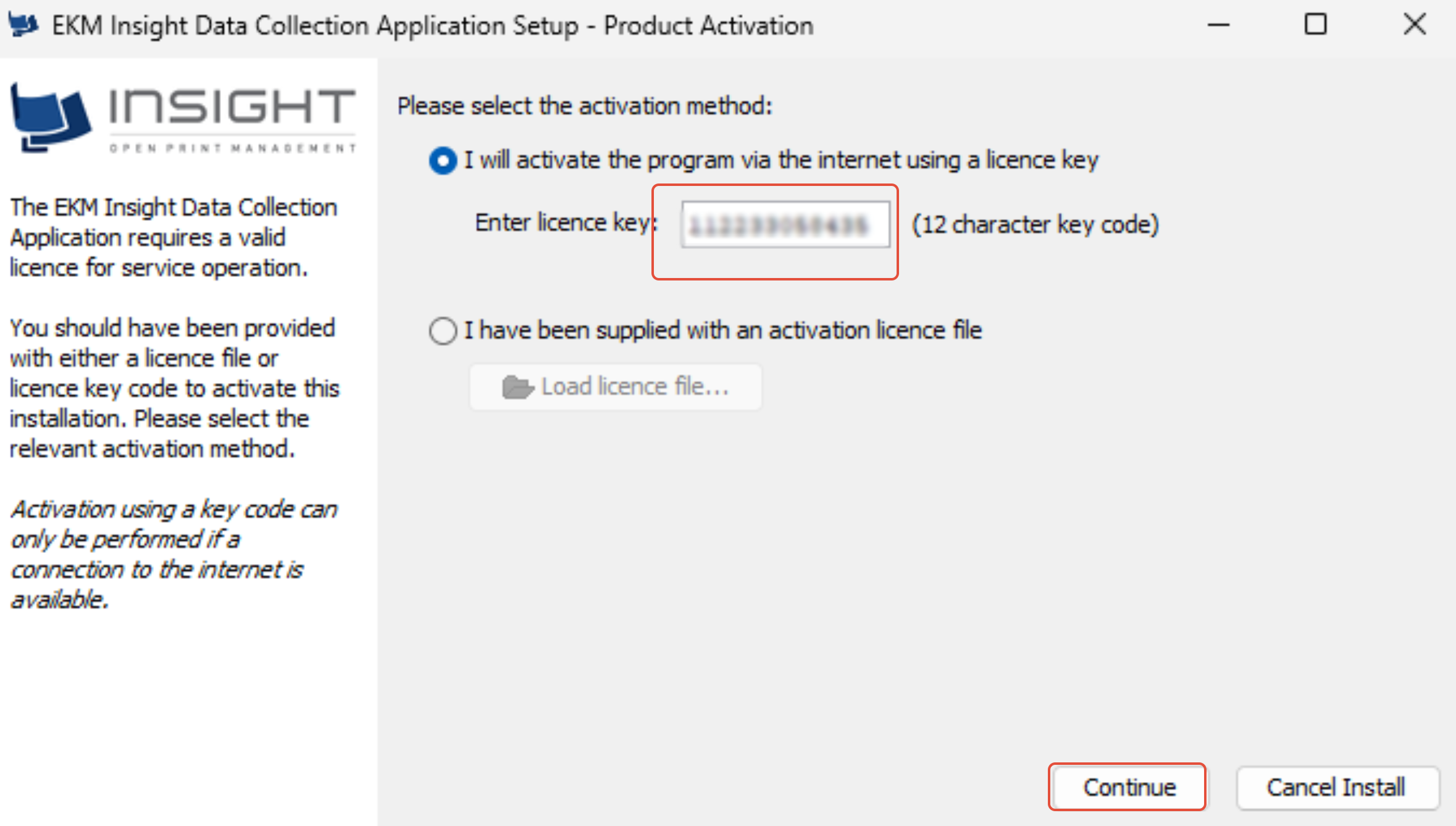
9. Input key provided by Vision
You may be asked for licence code if installing on Mac, if so please insert Vision
Licence Provider Code: Vision
Licence Key: if unsure email clientservices@visionplc.co.uk for key
Click continue
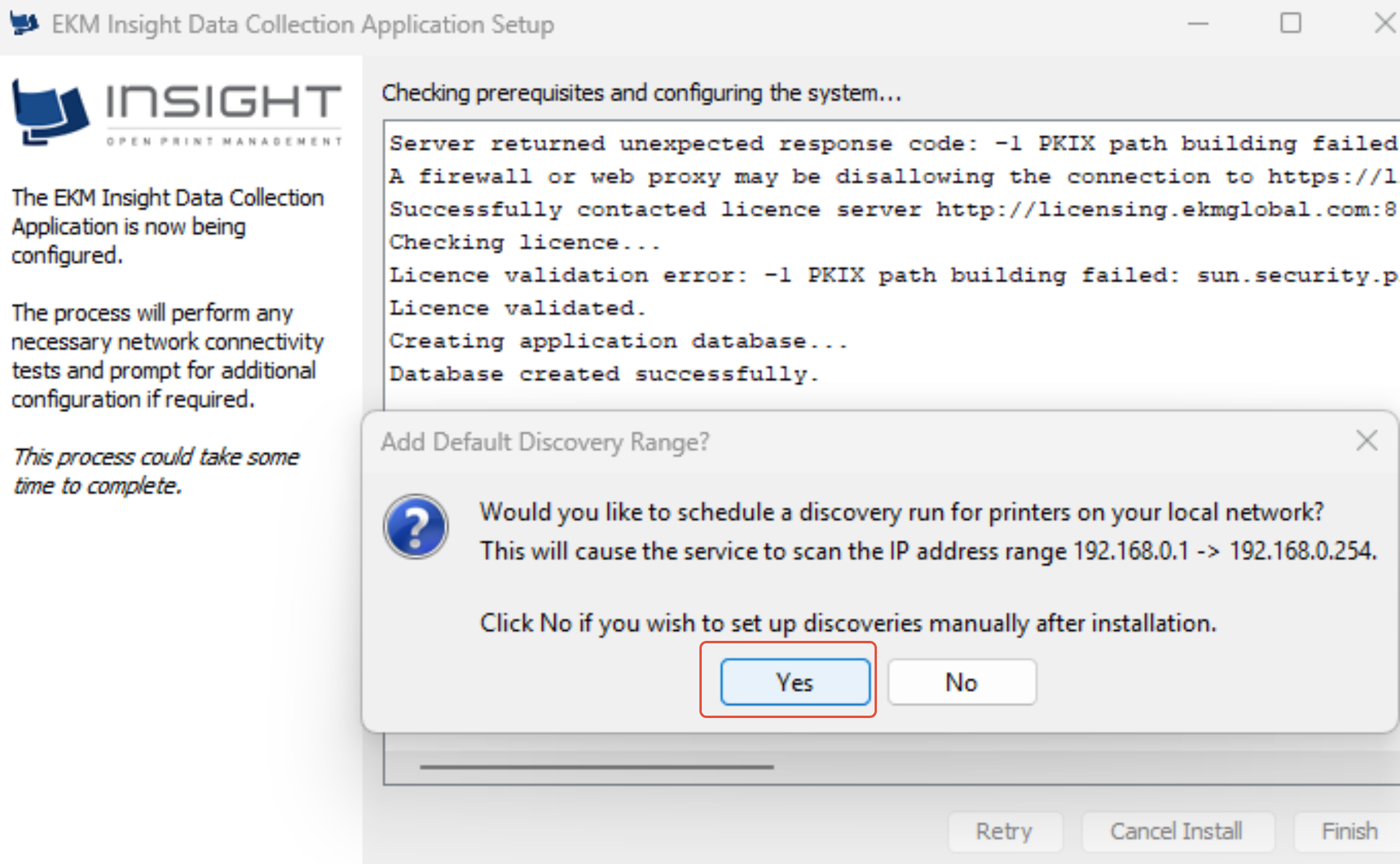
10. Click on Yes
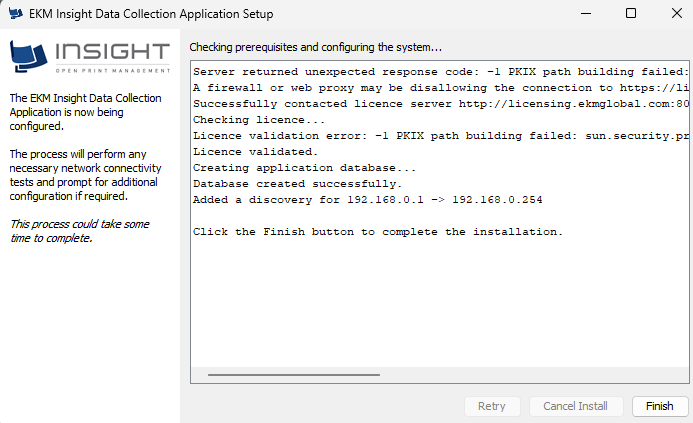
11. Click on Finish
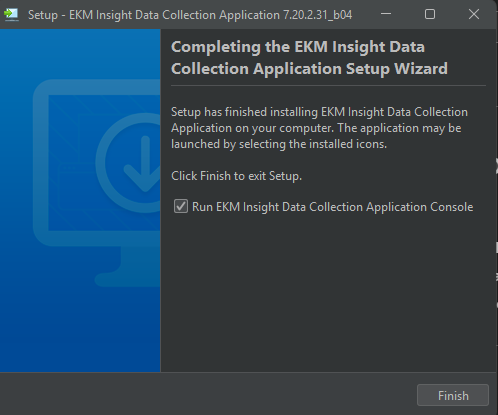
12. Leave Run ticked
Click on Finish
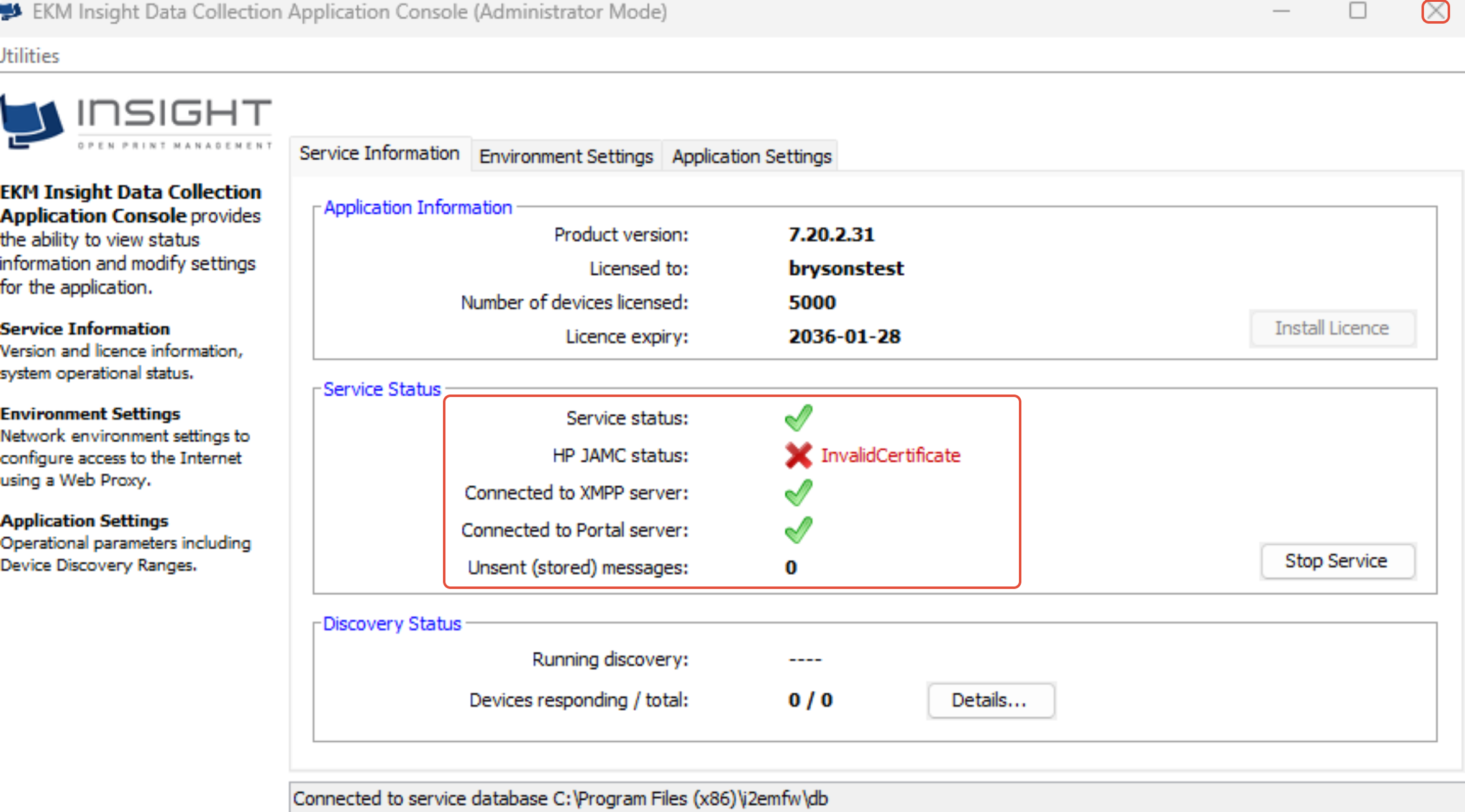
13. See below with green ticks
What is VRFM:
VRFM helps us automatically monitor your printers, collect meter readings, and manage toner and parts to keep everything running smoothly.
VRFM is a free-of-charge service that allows the following:-
• Remotely monitor, diagnose, and remediate failures
• Automate consumables, supplies, and specific parts delivery, dramatically improving uptime and service levels
• Process timely, accurate billing and invoicing
Firewall endpoints for the Monitor to run effectively:
licensing.ekmglobal.com (IP 51.141.70.161) TCP/IP port 80
visionmsg.cloudapp.net (IP 52.166.196.75) TCP/IP port 5222 (or 443)
Notes:
Ideally, the Monitor agent should be installed on a server or PC that is not turned off at any point (as it will need to report 24/7 for accurate readings), which is attached to the same network as our equipment to be monitored.
Documentation:
White Paper, Data Security and Protocols
Was this article helpful?
That’s Great!
Thank you for your feedback
Sorry! We couldn't be helpful
Thank you for your feedback
Feedback sent
We appreciate your effort and will try to fix the article