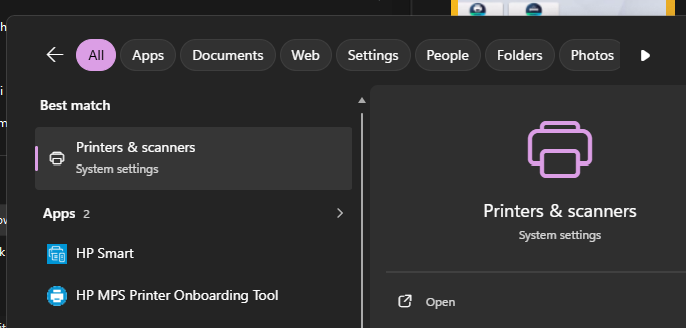
1. Type in Printers in the search bar

2. Click on Open, in the list for Printers & Scanners
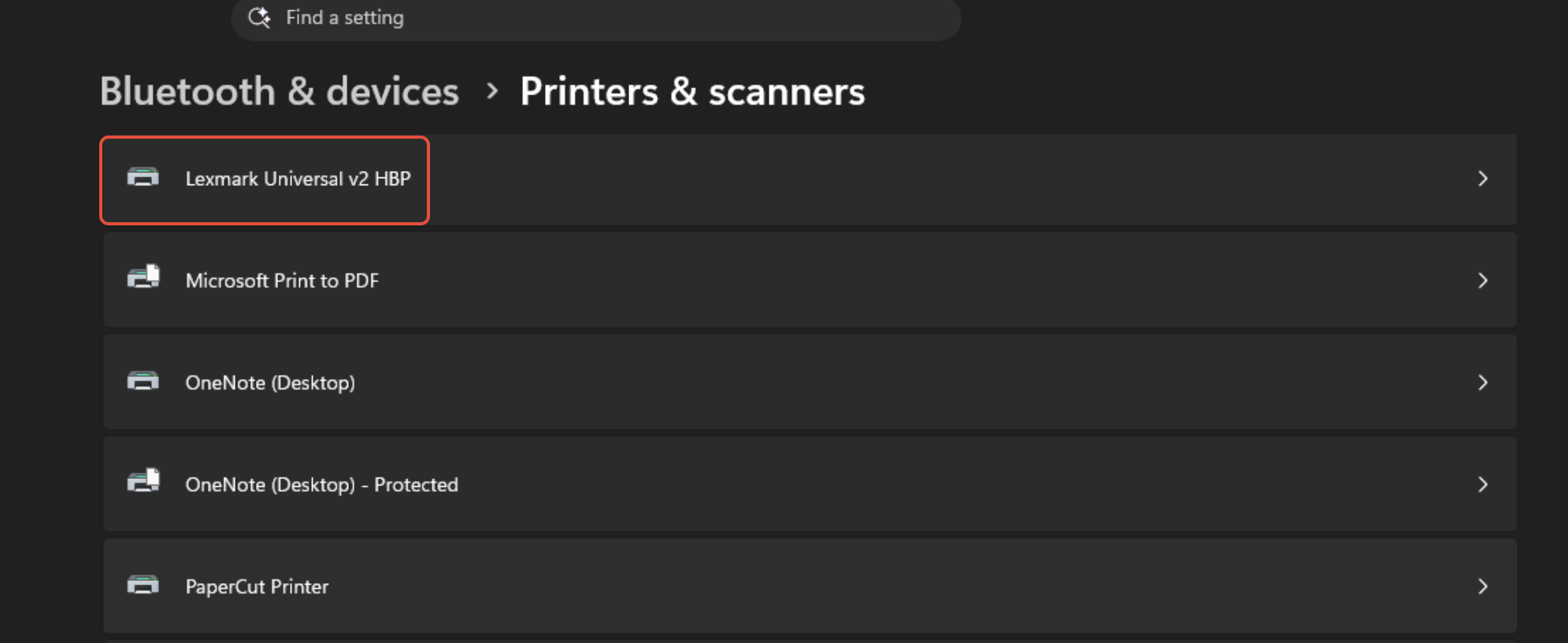
3. Click on the printer you would like to change. You may need to click on manage
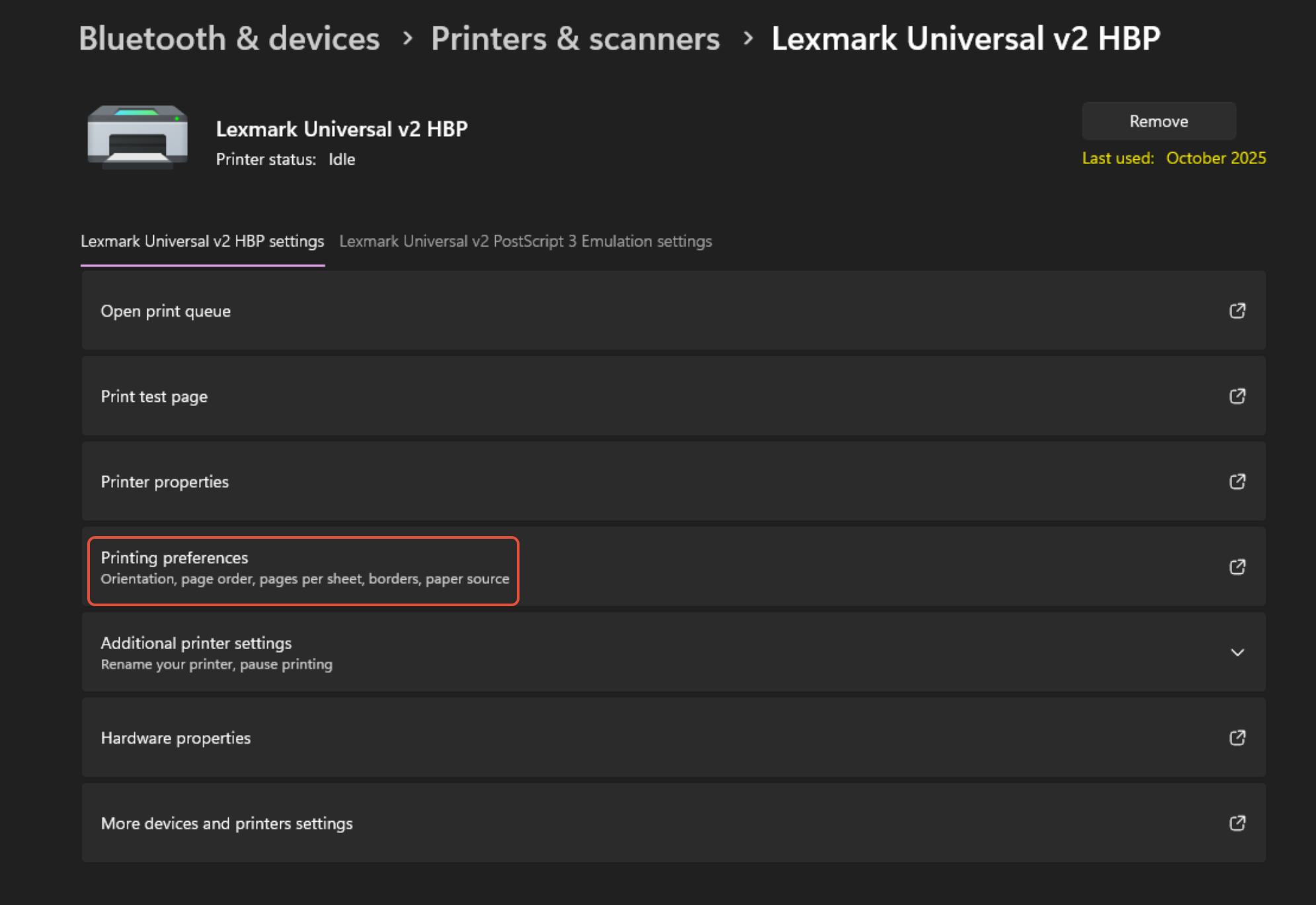
4. Click on Printing Preferences
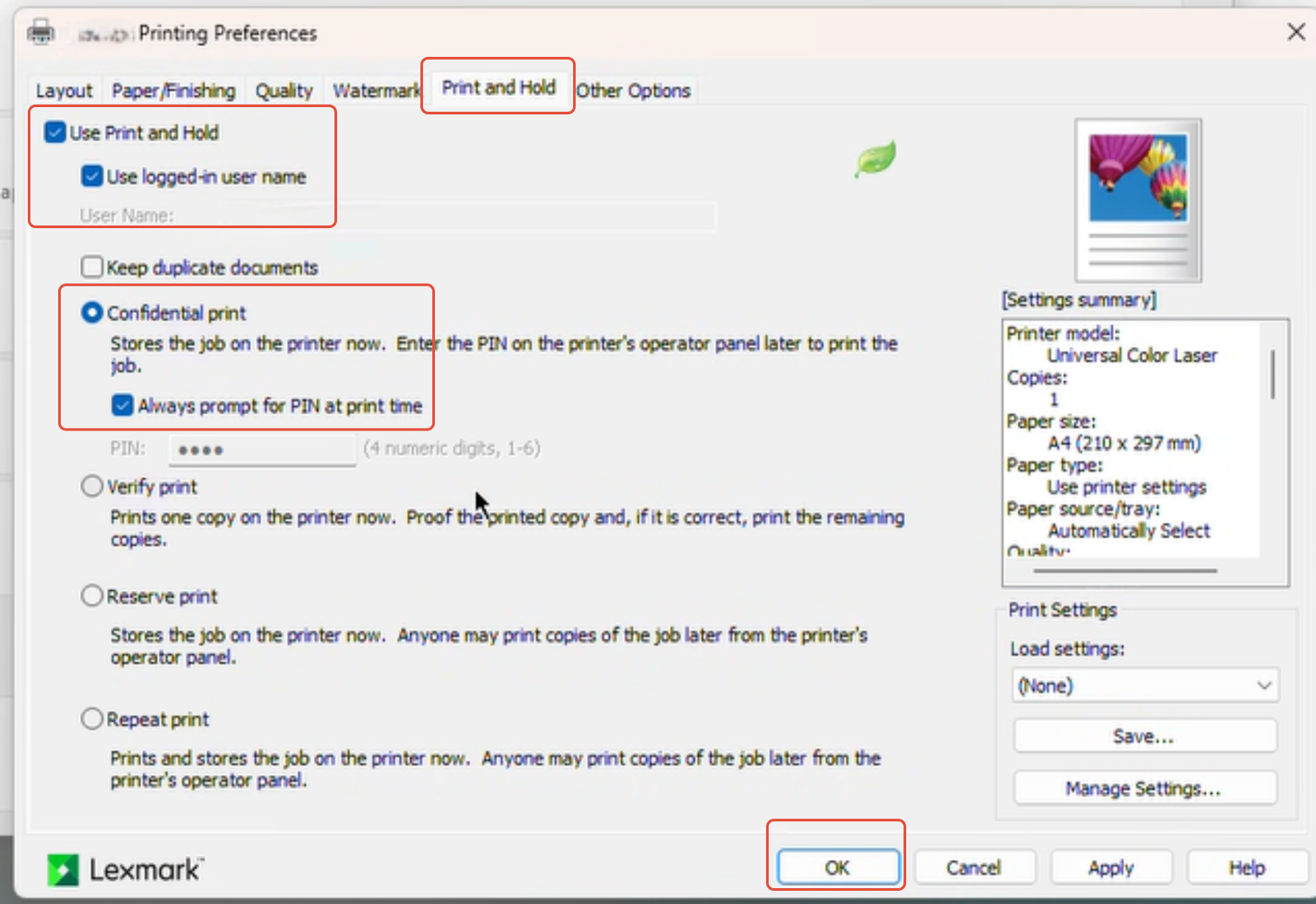
5. Click on Print and Hold tab
Tick Use print and Hold
Tick Use Logged in user name
Click on confidential print.
Tick on Always prompt for pin at time of print
Click on OK
6. To fully work, please close all Programs
Was this article helpful?
That’s Great!
Thank you for your feedback
Sorry! We couldn't be helpful
Thank you for your feedback
Feedback sent
We appreciate your effort and will try to fix the article